Step 1
Snap a photo
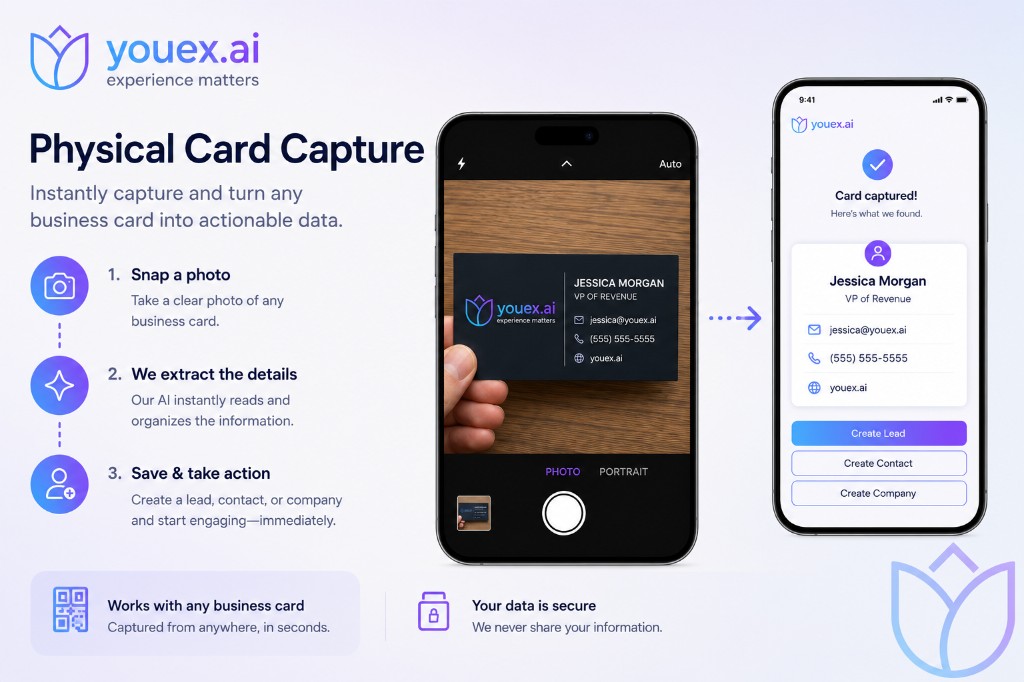
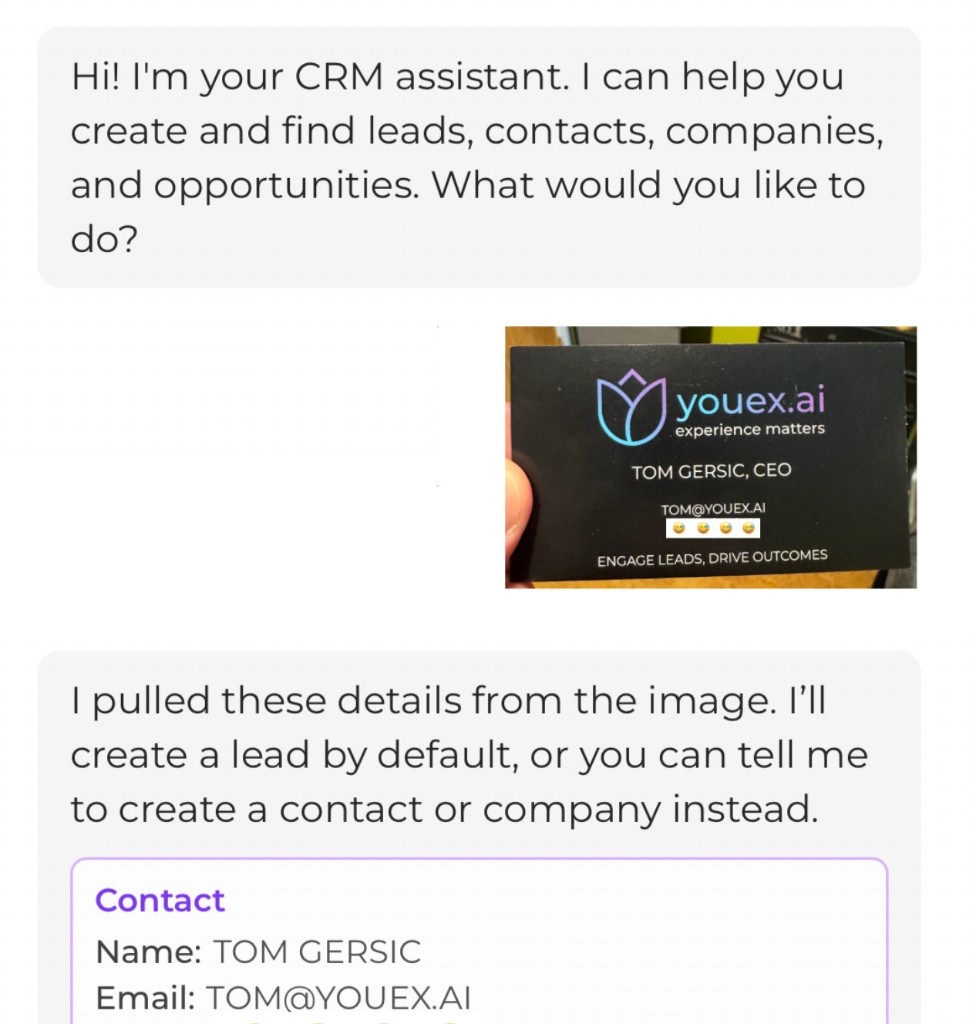
Take a clear photo of any business card—or upload an image from your camera roll—right in the CRM assistant chat. Works with standard cards, angled shots, and conference badges.
With follow-up email ready to go — photo to structured CRM data to automated outreach, all inside YouEx.ai.
The problem
You meet someone, take their card, and then the momentum fades. The card sits in your pocket, details get typed in later (maybe), and the first follow-up email never happens while the conversation is still fresh.
Physical Card Capture closes that gap: photo → structured CRM data → automated outreach, all inside YouEx.ai.
How it works
Step 1
Take a clear photo of any business card—or upload an image from your camera roll—right in the CRM assistant chat. Works with standard cards, angled shots, and conference badges.
Step 2
YouEx.ai reads the image with AI and organizes what it finds. You review the extracted fields before anything is saved. By default we create a Lead; you can also ask for a Contact or Company instead.
Step 3
Confirm once and the lead is in your CRM—with the original card image attached for reference. From there, your tier playbook emailing procedures can draft a personalized follow-up for you to review, or send it automatically on your connected mailbox (Gmail/Outlook).
From card to inbox
| Step | What happens |
|---|---|
| Capture | Card photo uploaded in CRM assistant |
| Confirm | Lead created with extracted contact details |
| Route | Lead tier + source drive your playbook rules |
| Procedure runs—draft saved or email sent | |
| Follow up | Lead record, draft, and card image stay linked in CRM |
Typical flow: meet at an event → snap their card in the app → confirm the lead → follow-up email drafted or sent within minutes, not days.
Compare
| Physical Card Capture | Digital Business Card | |
|---|---|---|
| Who initiates | You, after meeting someone | They visit your shared card URL |
| Input | Photo of their card | They submit their info on your page |
| Default record | Lead (you choose Contact/Company if needed) | Lead with digital-card attribution |
| Best for | Events, networking, field sales | Always-on inbound from your link/QR |
Both paths land in the same CRM and can trigger the same nurturing / emailing procedures — so every new connection can get a timely, on-brand follow-up. Learn about Digital Business Cards →
What you can configure
Reusable guidance for what each follow-up should say
Per tier and lead source (e.g. Private Chat): draft vs. send, delay, tone, length
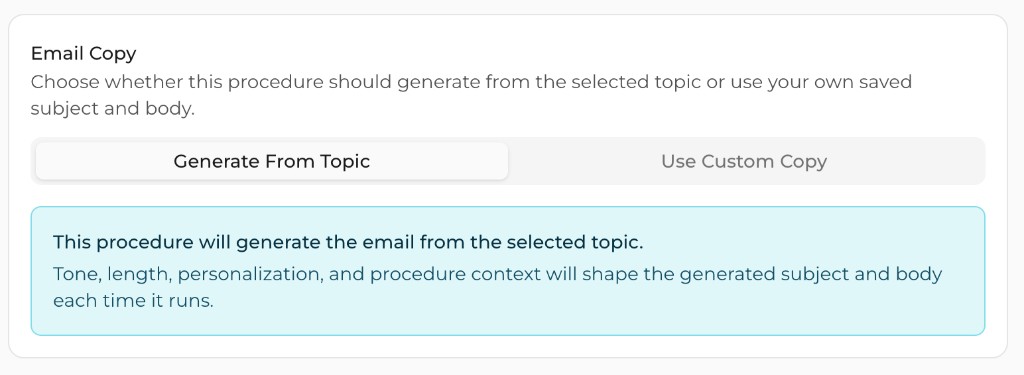
AI writes subject/body from the topic + lead context each time
Fixed subject/body when you want full control
Want the full picture of draft vs send, delays, and safety rails? See Automated Follow-up →
At a glance
Physical Card Capture turns a photographed business card into a confirmed Lead and optional follow-up email — so networking moments become pipeline, not paperwork.